Some NIP-05 providers have a simple process (i.e. just provide your desired address and npub) while others are more involved (i.e. you have to provide an email address and/or connect a Twitter profile).
NIP05.social is right in the middle.
They require you to provide a registration code in order to prove that you own the account. Other than that, all you’ll need is your desired address and your npub.
Let’s go over the steps.
-
Go to their registration page
-
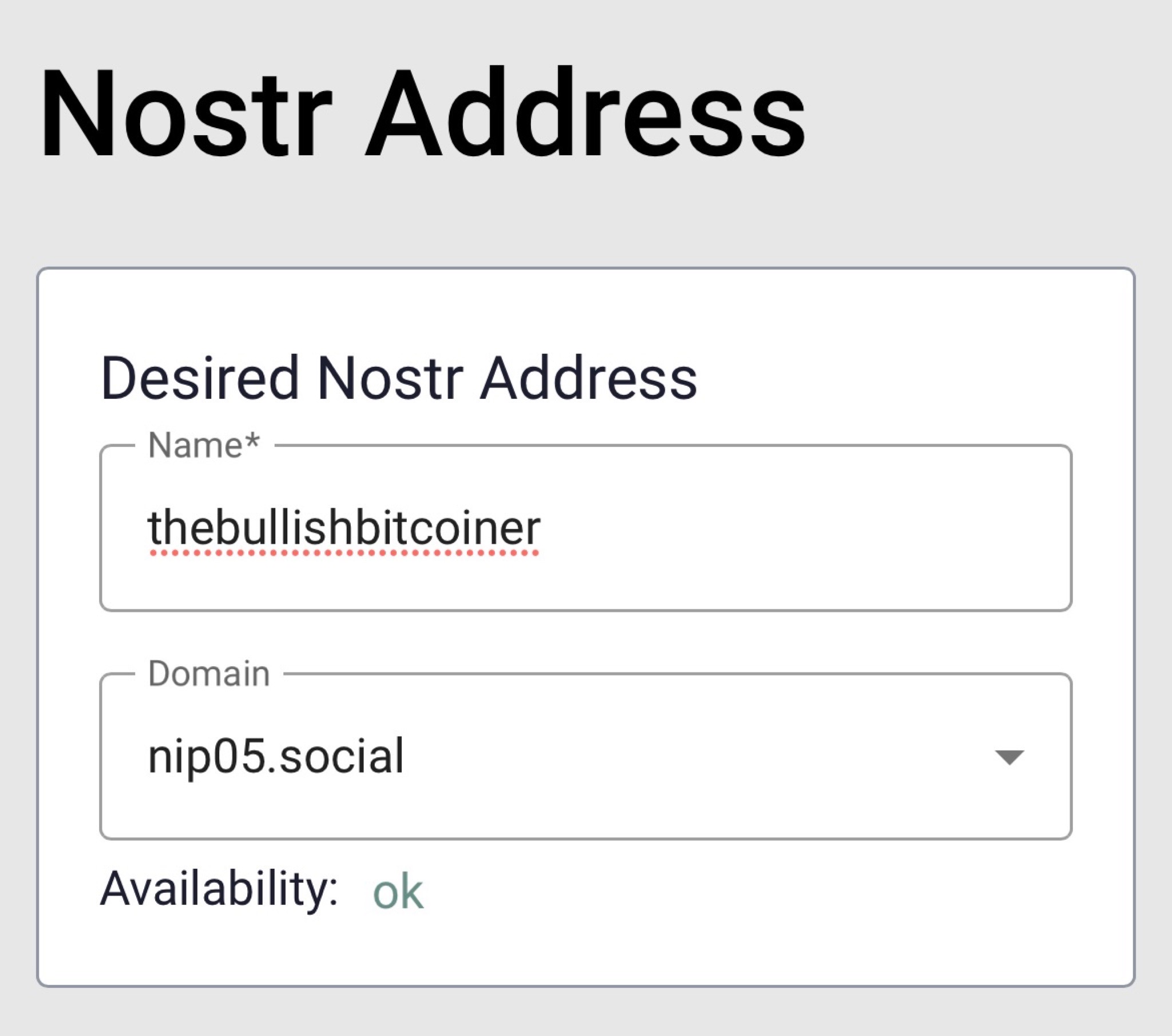
Enter your desired address and select a domain.
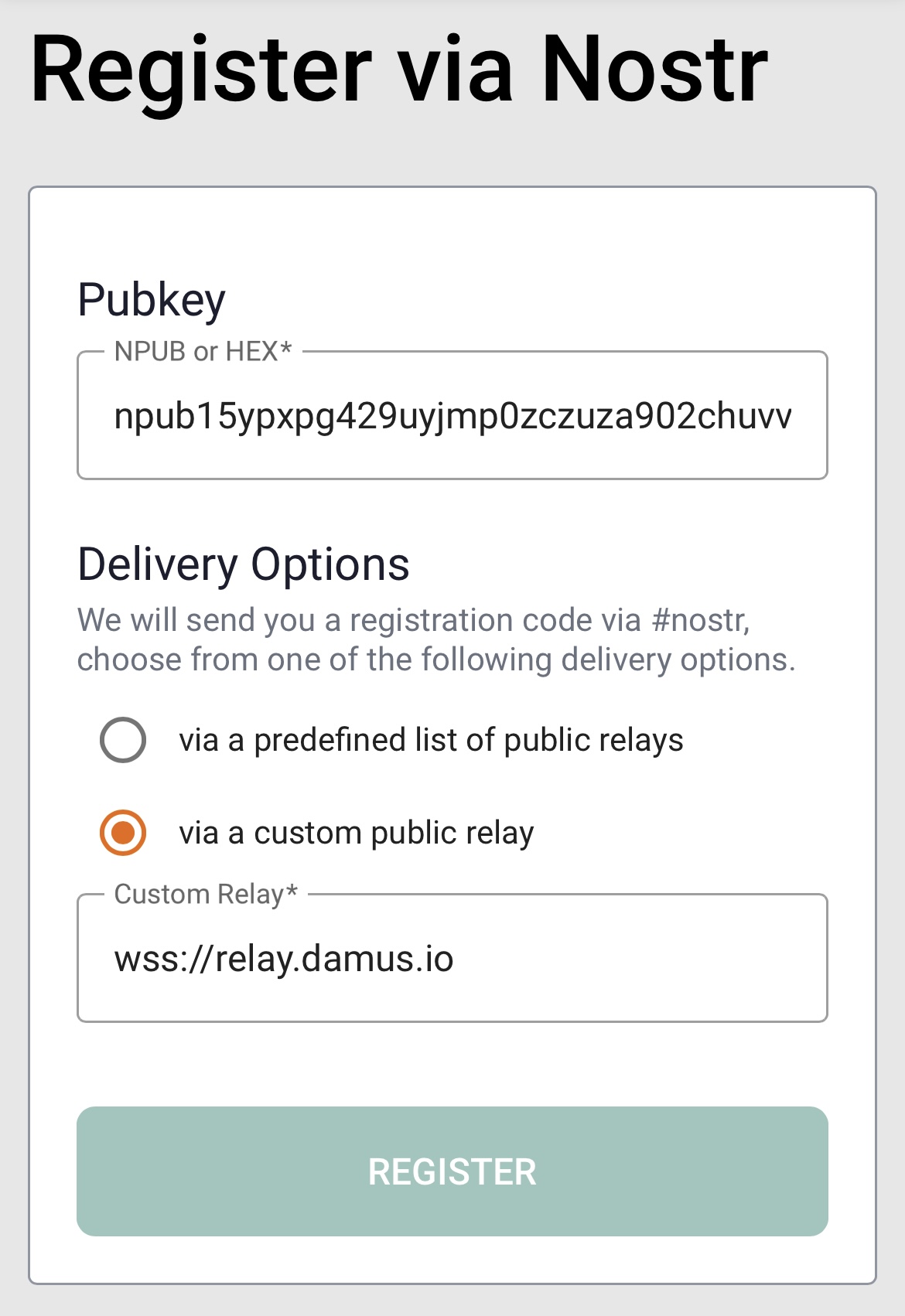
- Scroll down to the “Register via Nostr” section. Enter your npub, select delivery via a custom public relay, specify one that you know you’re connected to (e.g. wss://relay.damus.io), and click register.
- At this point, open the Nostr client that you’re using (e.g. Damus or Nostur), and look for a DM from a random npub that has your registration code.
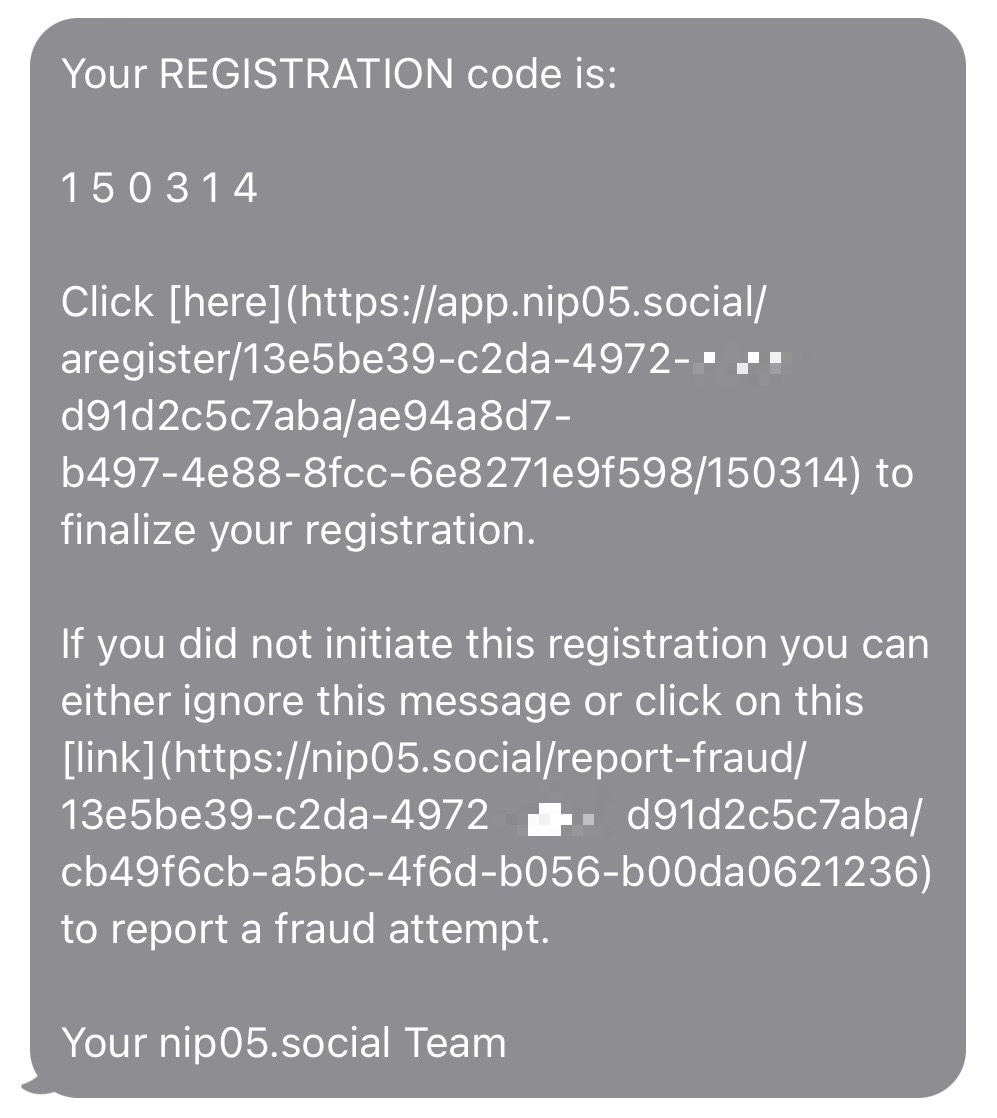
- Go back to the website and enter your registration code. This is the part that proves you own the account.
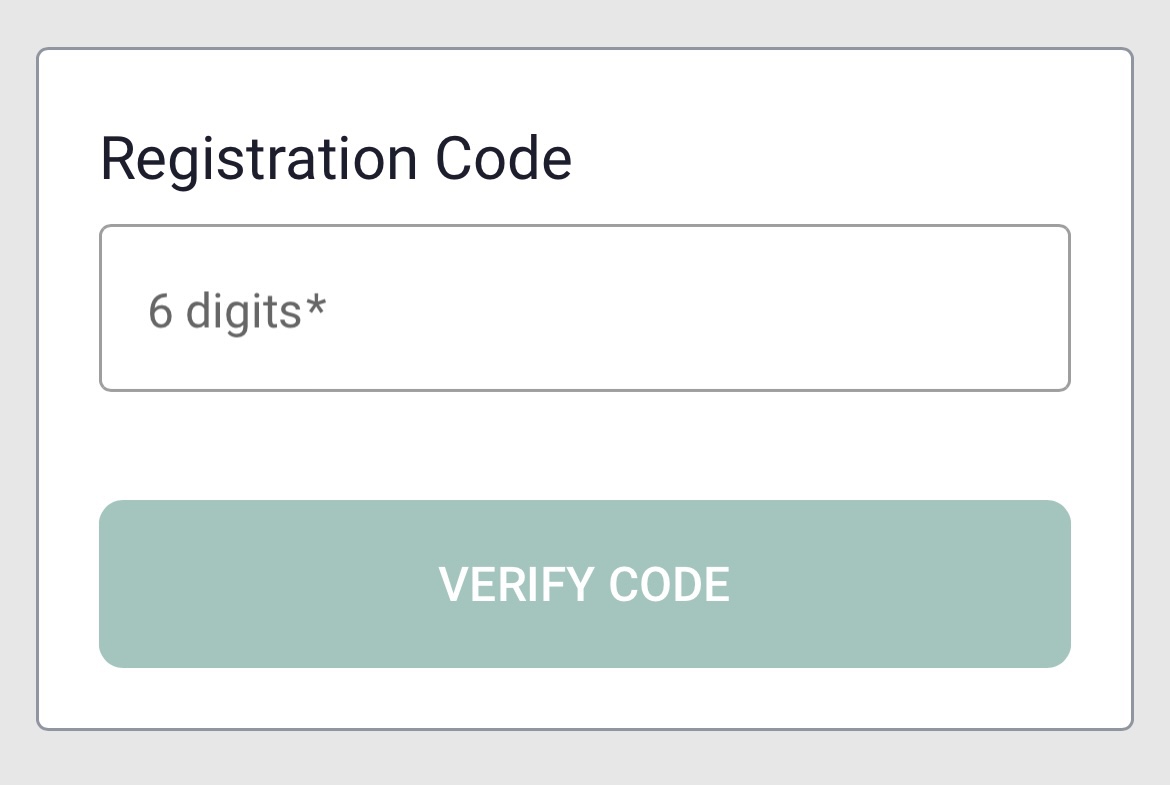
Once click verify code, you’re all done!
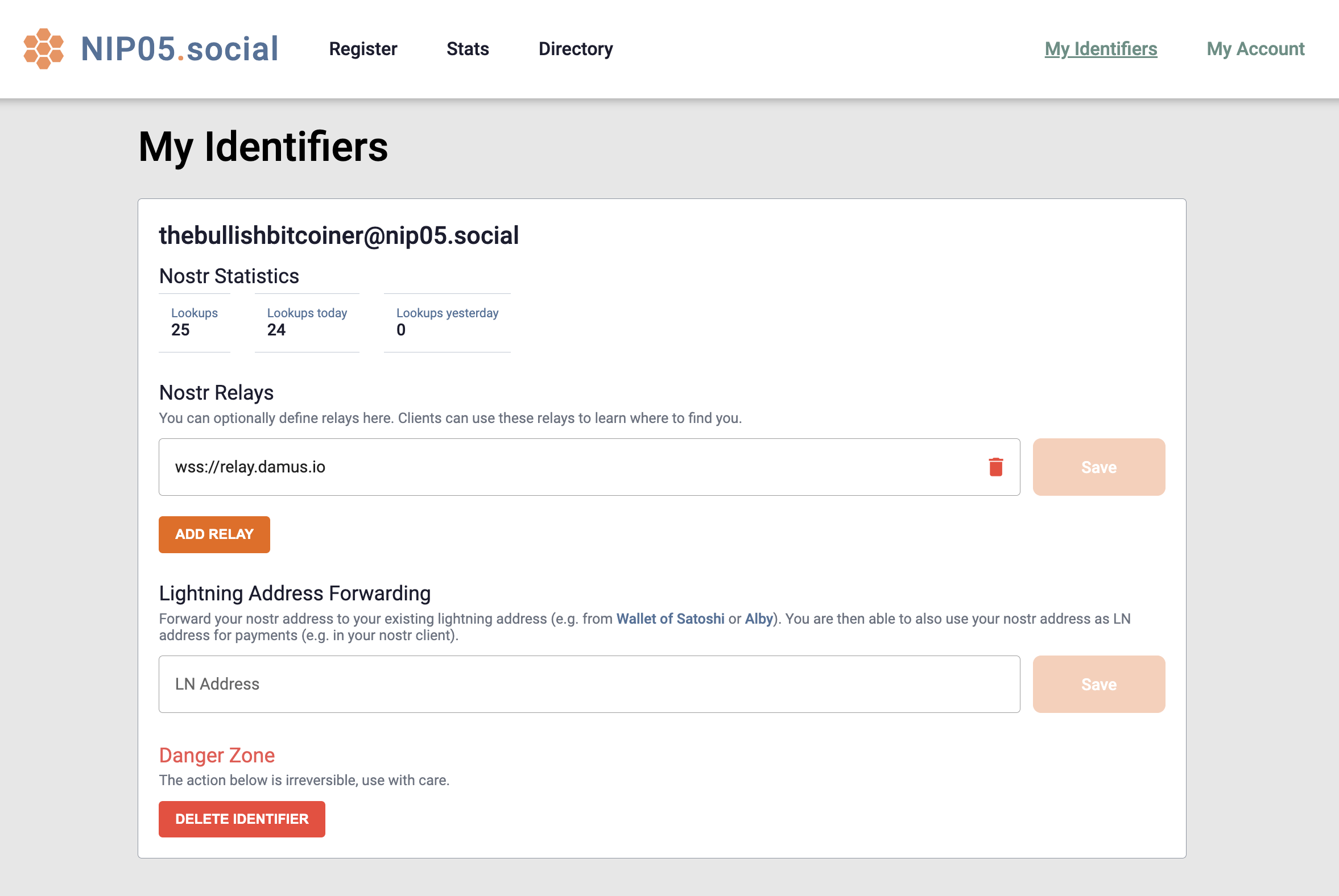
You should be redirected to your dashboard where you’ll find a few cool extra features that typically aren’t provided with other providers.